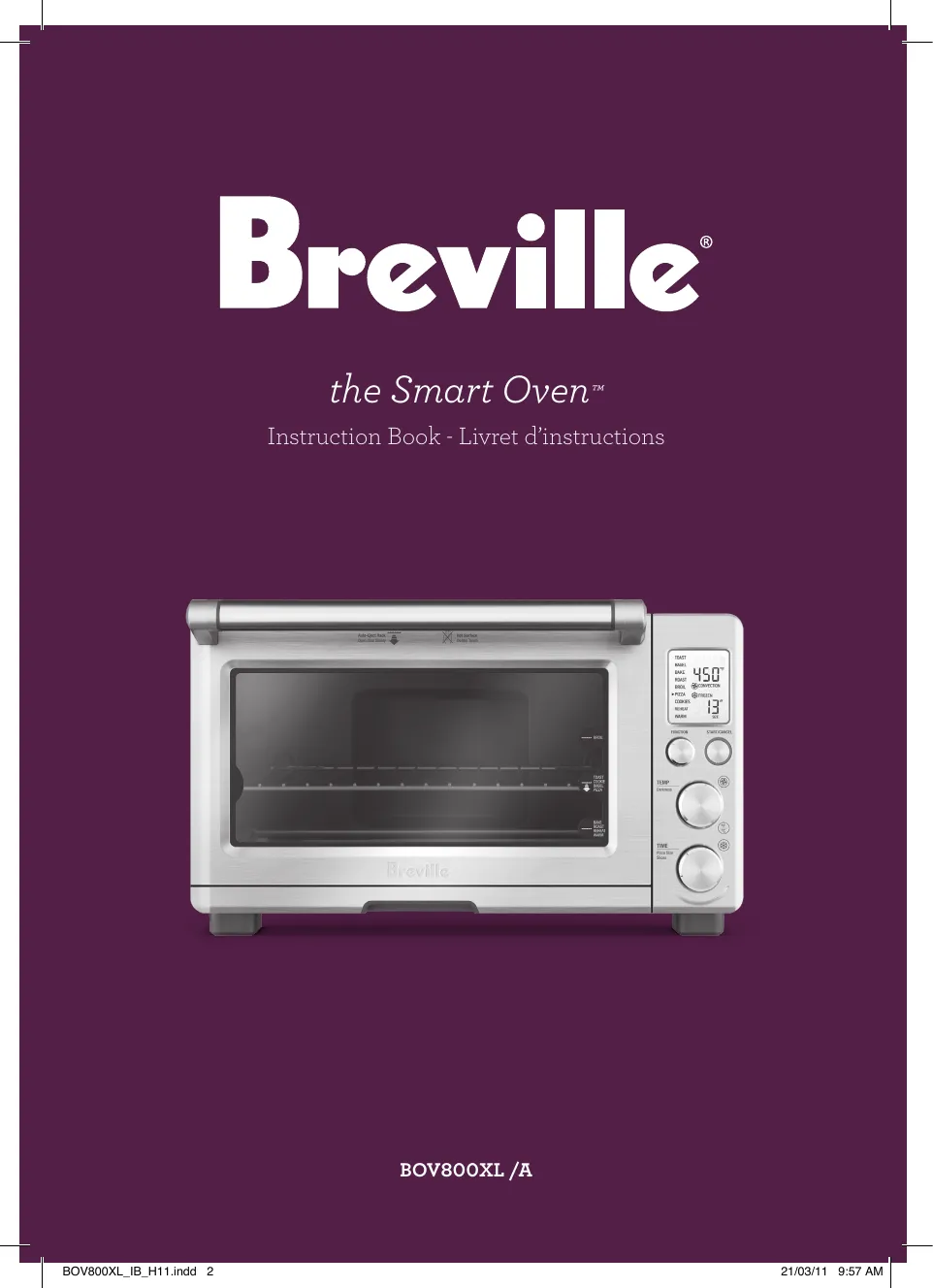
Understanding the Breville Smart Toaster
The Breville Diecast Smart Toaster is a premium kitchen appliance designed to deliver perfectly toasted bread, bagels, and other baked goods. It’s not just a toaster; it’s a sophisticated piece of equipment engineered with features that allow you to customize your toasting experience. The manual provides essential information on how to operate this toaster effectively and safely. Understanding the nuances of the Breville Smart Toaster is key to enjoying its full potential. The sleek, diecast design is not only aesthetically pleasing but also contributes to the toaster’s durability and heat retention, ensuring consistent toasting results. Before diving into the tips, it’s crucial to have a basic understanding of the toaster’s components and functionalities to make the most of its capabilities. This overview sets the stage for the actionable tips that will follow, empowering you to become a Breville Smart Toaster expert.
Key Features of the Breville Smart Toaster
The Breville Smart Toaster boasts several key features that set it apart from standard toasters. These include the ‘A Bit More’ button, the ‘Lift & Look’ function, and various toasting settings tailored for different types of bread and baked goods. It typically has extra-wide slots accommodating thick-cut bread, bagels, and pastries. The variable browning control allows users to choose their desired level of toastiness, from lightly golden to deeply browned. It also has a removable crumb tray for easy cleaning, and a cord storage system that helps keep your countertop tidy. These features collectively contribute to a user-friendly and versatile toasting experience. Understanding each feature’s function allows you to optimize your toasting outcomes, ensuring perfectly toasted results every time. The control panel is designed to be intuitive, with clear markings and easy-to-understand settings, making it accessible for users of all skill levels.
The ‘A Bit More’ Button

One of the standout features of the Breville Smart Toaster is the ‘A Bit More’ button. This button provides a convenient way to add a short burst of toasting time without having to restart the entire toasting cycle. This is particularly useful when your toast is almost perfect but needs a touch more browning. It’s a practical function that prevents the frustration of over-toasting and allows for precise adjustments to your desired level of toastiness. The ‘A Bit More’ button is especially handy when you’re dealing with unevenly sized slices of bread or if you’re looking to achieve a slightly darker color. This feature exemplifies Breville’s commitment to user convenience and a customizable toasting experience. It’s a testament to the thoughtful design of the toaster, aiming to provide maximum control and minimize waste.
The ‘Lift & Look’ Function
The ‘Lift & Look’ function is another valuable feature offered by the Breville Smart Toaster. This feature allows you to lift the bread carriage during the toasting cycle to check the progress without interrupting the toasting process. This means you can visually assess the browning level and decide if the toast is ready or needs more time. It’s a game-changer for achieving perfectly toasted bread every time, as it eliminates guesswork and allows for on-the-fly adjustments. This function is particularly helpful when toasting different types of bread or pastries, each of which may require a different amount of time to reach the ideal level of toasting. The ‘Lift & Look’ function truly puts you in control of your toasting experience, enabling you to make informed decisions and achieve consistently delicious results.
Top 5 Tips for Your Breville Smart Toaster
Tip 1 Mastering Toast Settings

Achieving the perfect toast starts with mastering the toast settings on your Breville Smart Toaster. Experiment with the different settings, such as ‘Bagel’, ‘Defrost’, and ‘A Bit More,’ to see how they affect your toast. Start with a lower setting and gradually increase it until you achieve your desired level of browning. Consider the type of bread you’re toasting; thicker slices may require a higher setting than thinner ones. Familiarize yourself with the browning control dial and how it corresponds to the toasting time. Over time, you’ll learn to adjust the settings to suit your preferences and the specific type of bread you’re using, resulting in perfectly toasted bread every time. This mastery will save you from undercooked or burnt toast and help you to consistently enjoy your breakfast or snack. Use the manual to understand each setting and its recommended uses.
Tip 2 Using the ‘Lift & Look’ Function
The ‘Lift & Look’ function is your best friend in the quest for perfect toast. Don’t hesitate to use it to check the progress of your toasting, especially when trying a new type of bread or a different toasting setting. This feature allows you to lift the toast and visually inspect its progress without interrupting the toasting cycle. It allows you to see the browning and adjust the toasting time accordingly. If your toast is browning too quickly, you can cancel the cycle early. This feature is particularly useful for bagels and other baked goods that might brown differently. By using ‘Lift & Look,’ you can avoid burnt or under-toasted results and ensure a satisfying toasting experience every time. Make this a part of your regular toasting routine.
Tip 3 Cleaning and Maintenance
Regular cleaning and maintenance are crucial for the longevity and performance of your Breville Smart Toaster. Always unplug the toaster and allow it to cool completely before cleaning. Empty the crumb tray regularly to prevent crumbs from accumulating and potentially causing a fire hazard. Wipe down the exterior with a damp cloth to remove any spills or debris. Avoid using abrasive cleaners or scouring pads, as these can scratch the surface of the toaster. Occasionally, you may want to clean the interior with a soft brush to remove any remaining crumbs. Following these simple cleaning steps will ensure that your toaster functions properly and remains in excellent condition for years to come. Regular maintenance will not only extend the life of your appliance but also help it to perform at its best.
Tip 4 Troubleshooting Common Issues

Even the best appliances can sometimes encounter issues. If your Breville Smart Toaster isn’t toasting properly, refer to the manual for troubleshooting tips. Common problems include uneven toasting, the toaster not turning on, or the bread getting stuck. Check the power supply, make sure the crumb tray is correctly installed, and ensure the slots are free of obstructions. If the toaster is still not working, consult the manual for more specific troubleshooting steps. In some cases, a simple reset might solve the issue. If the problem persists, contact Breville customer support for assistance. Many problems can be solved quickly with basic troubleshooting. Keeping the manual handy will assist with a quick resolution of most potential issues.
Tip 5 Exploring Advanced Settings
Beyond the basic settings, the Breville Smart Toaster often offers advanced options that can enhance your toasting experience. Experiment with the ‘Defrost’ setting for toasting frozen bread or pastries. The ‘Bagel’ setting typically toasts the cut side of the bagel more than the outside, ensuring a perfectly toasted result. Some models may have additional features, such as a ‘Fruit Bread’ setting or a memory function for your preferred settings. Reading through the manual will provide all the detailed information on the additional features and functionalities your toaster offers. Don’t hesitate to explore these options to find the best way to toast your favorite foods. These additional settings offer even greater customization and control over your toasting results.
Conclusion Maximizing Your Toaster Experience
The Breville Diecast Smart Toaster is a versatile and high-performing appliance designed to elevate your toasting experience. By understanding its features, mastering the settings, and following the tips outlined in this guide, you can ensure consistently delicious results and extend the life of your toaster. Regular maintenance, a little bit of experimentation with settings, and knowing how to troubleshoot common issues will turn you into a Breville Smart Toaster pro. Embrace these tips, and enjoy the perfect toast, every time. With proper use and care, your Breville Smart Toaster will be a reliable companion in your kitchen for years to come. Enjoy the simple pleasures of perfectly toasted bread and pastries, and make the most of this fantastic appliance.